
Advanced Listening Mode
This feature is designed specifically for training your listening skills. You can choose:
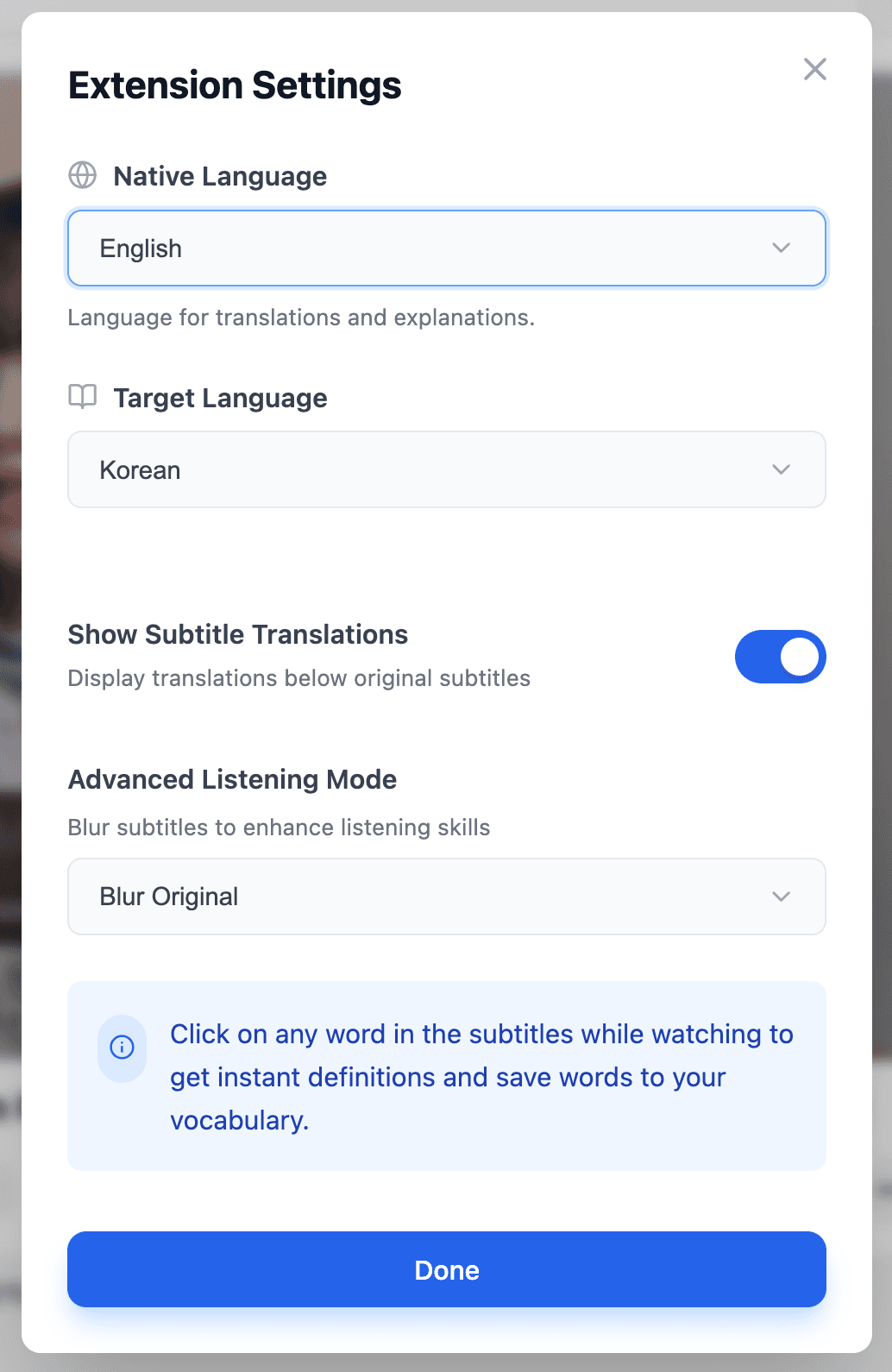
- Blur original text: Force yourself to listen first, only see the translation for meaning, and hover to reveal the original text if you really can't understand.
- Blur entire caption: Hide even the translation, training yourself to rely entirely on audio.
How to Enable
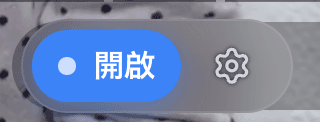
Click the settings button in the bottom-right corner of the YouTube window:
Open the settings panel and select your preferred blur mode:
In Action
With "Blur Original Text" enabled, the original text is hidden and only the translation is shown. Hover to reveal:

Why Blur Subtitles?
Relying on text is the killer of listening ability. Once you develop the habit of "reading subtitles," your brain will choose this path of least resistance, causing your listening skills to never improve. Although this is an advanced feature, I strongly recommend starting to use it as early as possible.